Reads your CV for you
Upload a PDF or Word file and the AI sorts it into an editable draft: roles, education, skills and languages. You check and correct every field.
AI CV builder · UK & Europe
Upload a PDF or Word CV. Our AI reads it into an editable draft, you restyle it in 18 layouts and 24 colour schemes, and the AI coach helps you sharpen the wording. Preview it all for free, then pay €5 once to download.
or drop your file here
Your CV is read by our AI provider, Anthropic. Not saved by YourCVy. How we handle your data
3 steps
No blank template and no retyping. You start from the CV you already have.
PDF or Word (.docx), up to 10 MB. Our AI reads it into an editable draft, with no account needed.
Fix anything the AI missed, then try your CV in every layout and colour scheme. Ask the AI coach to sharpen any line.
Pay €5 once when you’re happy. You get a print-ready PDF in A4 or US Letter, with real, selectable text.
Templates
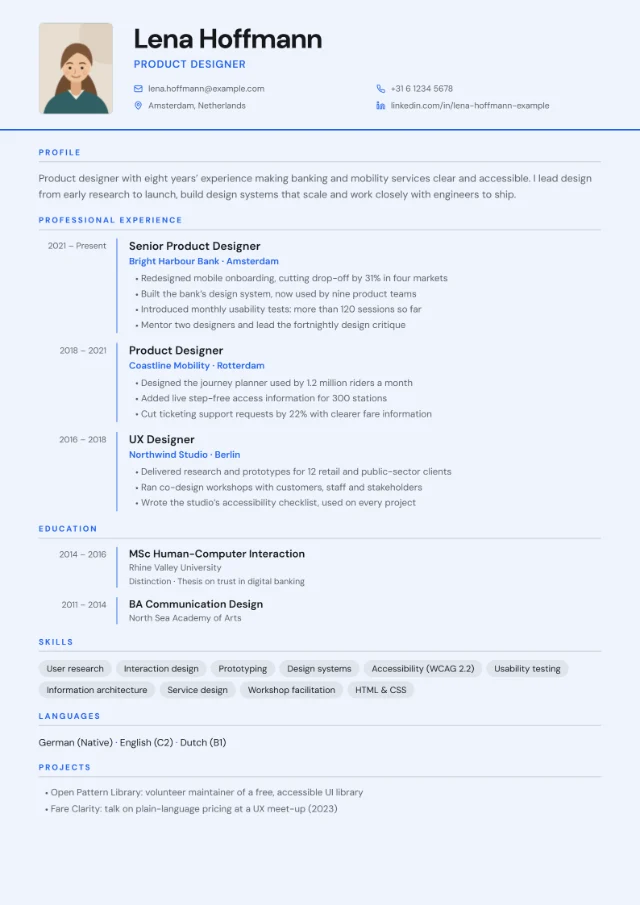
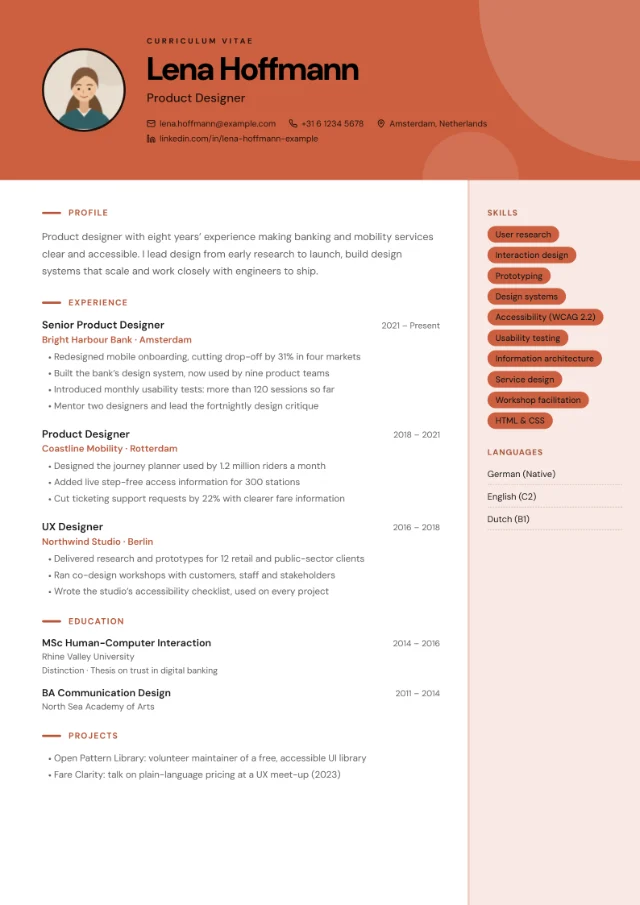
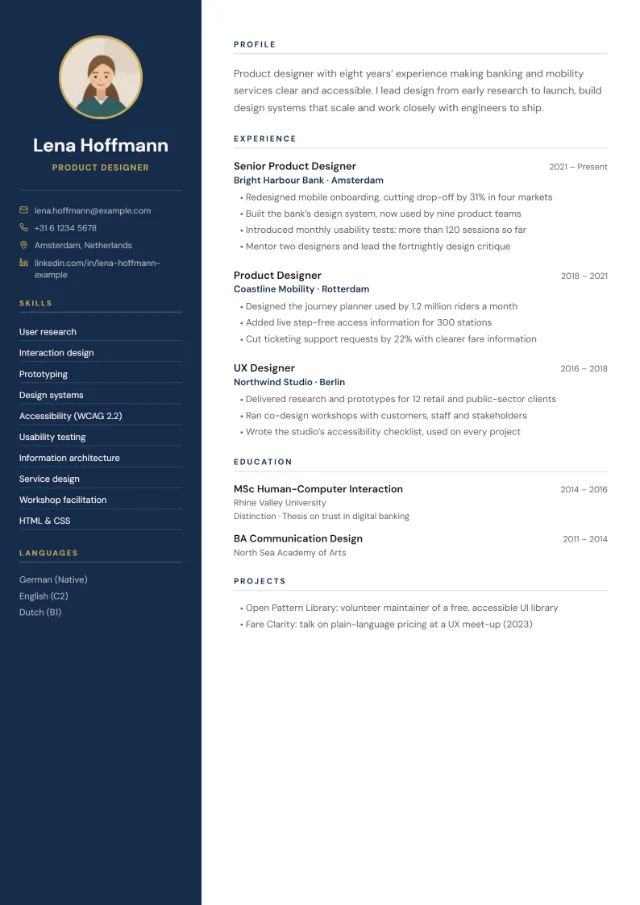
18 layouts × 24 colour schemes: 432 combinations, all free to preview with your own CV. Pick one now and switch whenever you like. Your content stays the same.
Best for Most industries; professional and managerial roles
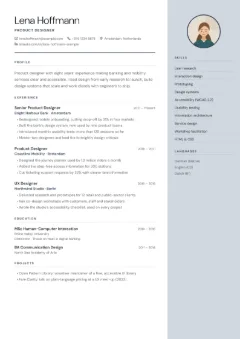
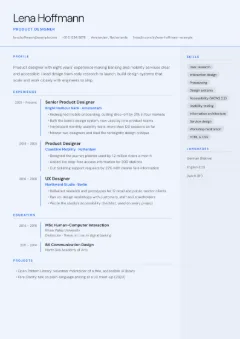
Best for Experienced professionals who want to show career progression
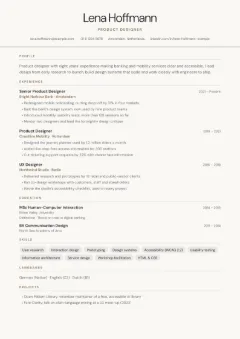
Best for Conservative sectors such as law, finance and HR; online job portals
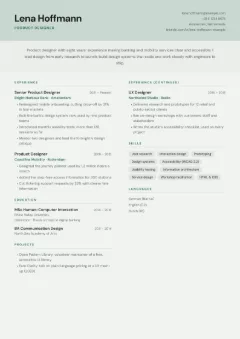
Best for Experienced candidates with a lot to fit on the page
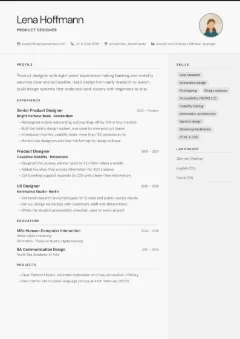
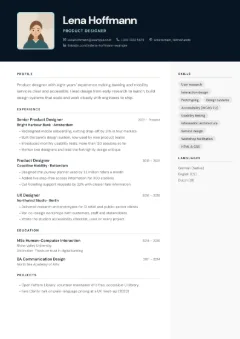
Best for Client-facing roles such as sales, PR and hospitality; countries where a photo is expected
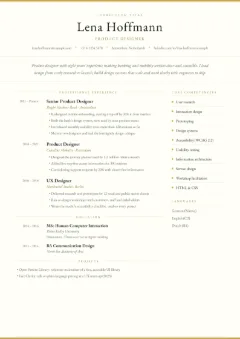
Best for Senior leaders, directors and other senior appointments
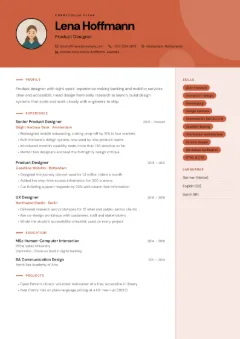
Best for Design, media, marketing and other creative roles
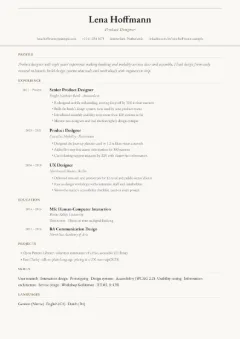
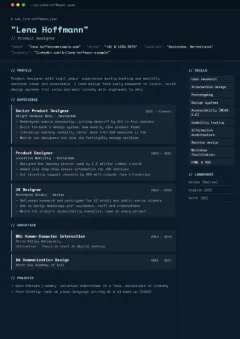
Best for Software engineers, DevOps and data roles at tech companies
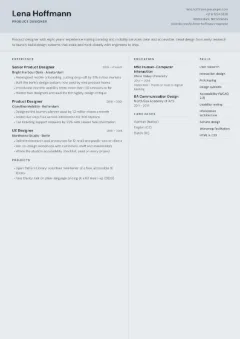
Best for Experienced candidates who need to fit a lot on one or two pages
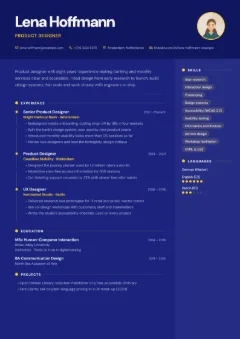
Best for UX and UI designers, marketers and other creative roles
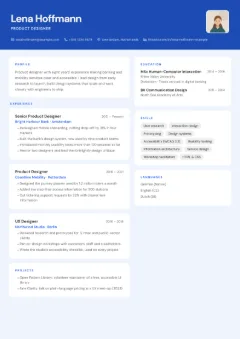
Best for Product managers, start-ups and modern tech companies
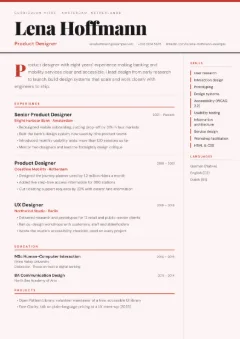
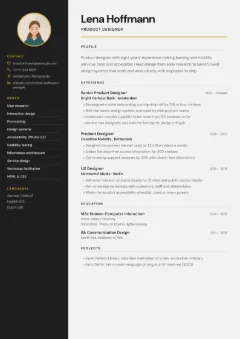
Best for Bold personalities, creative directors and designers
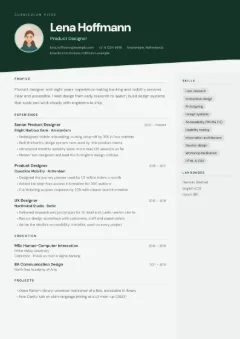
Best for Sales, events, hospitality and other outward-facing roles
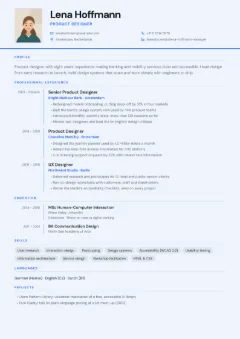
Best for Applications in Germany, Austria, Switzerland and much of continental Europe
Applying through a job portal?
Simple single-column layouts are the safest choice for online job portals. Look for the “Safest for job portals” badge. Every PDF includes real, selectable text that applicant tracking systems can read.
Every layout comes in 24 colour schemes, from quiet Snow to bold Bauhaus. Switch at any time: your content stays as it is.
Light
Mid-tone
Dark
Bold
The AI
It does the tedious part, reading your CV into an editable draft, and then helps only where you ask. You stay in charge of every word.
Upload a PDF or Word file and the AI sorts it into an editable draft: roles, education, skills and languages. You check and correct every field.
Ask for stronger bullet points, a clearer profile or a version tailored to a job ad. The coach suggests; you decide what goes into your CV.
It’s instructed never to invent employers, numbers or qualifications. Where a figure would help, it leaves a placeholder like [X%] for you to fill in.
You
Can you make this bullet stronger? “Responsible for onboarding new clients.”
AI coach
Here’s a more active version:
Onboarded [N] new clients and cut their set-up time by [X%].
Replace [N] and [X%] with your real figures, or drop what doesn’t apply. I won’t guess them.
You
Set-up went from 10 days to 6.
AI coach
Then use your numbers:
Onboarded new clients and cut their set-up time from 10 days to 6.
The coach replies in the language you write in. AI can make mistakes, so check each suggestion before you use it.
YourCVy’s AI runs on Claude, a model made by Anthropic. YourCVy is independent and not affiliated with Anthropic.
UK & Europe
CV conventions differ across Europe. YourCVy covers the details that matter, from photos to paper size.
10 of the 18 layouts have a photo slot. Leave it out for the UK and Ireland; add one where it’s still common, such as Germany.
A traditional continental format: photo top left, a dates column and optional details such as date of birth, nationality, work permit and availability.
Set section headings in English, German, French, Spanish, Italian, Dutch or Portuguese. Your own text stays exactly as you wrote it.
List languages with levels such as German (C1), the Council of Europe scale used across Europe.
A4 for the UK and Europe, US Letter for North America. Switch at any time before you download.
Pricing
Everything up to the download is free. When your CV is ready, pay €5 once for the PDF.
€0no card needed
Use everything except the download, with your own CV.
€5once per CV
Final price. No subscription. No account. Pay by card or a wallet offered by Stripe.
14-day money-back guarantee. Not happy with your PDF? Email hello@yourcvy.com within 14 days of purchase and we’ll refund you in full. Refund terms
Privacy
A CV says a lot about you. Here is exactly what happens to it.
YourCVy has no database and doesn’t save CVs on its servers.
To read your CV and run the coach, its content is sent over HTTPS to Anthropic’s API in the USA. Anthropic doesn’t use API data to train its models and deletes it automatically, within 30 days under its current policy.
It lives only in your browser tab and disappears when you close the tab.
No account, no tracking cookies, no analytics and no ads.
You pay on Stripe’s checkout page, so your card details go to Stripe, not to YourCVy.
Uploading, the AI draft, the editor, the AI coach and previews in every layout are free. Downloading your finished CV as a PDF costs €5 once per CV. That’s the final price, with no subscription and no account.
No. There’s no sign-up and no login. Your draft stays in your browser tab until you close it, so download your PDF before you close the tab.
PDF or Word (.docx), up to 10 MB. Older Word .doc files can’t be read: open the file in Word, choose File › Save As and pick Word Document (.docx) or PDF, then upload that.
To read your CV and run the AI coach, its content is sent over HTTPS to Anthropic’s API in the USA. Anthropic doesn’t use API data to train its models and deletes it automatically, within 30 days under its current policy. YourCVy has no database and doesn’t save your CV on its servers: your draft lives only in your browser tab and disappears when you close it. The details are in our privacy policy.
It’s instructed not to. The AI coach rewrites only what you ask it to, and it must never invent employers, numbers or qualifications. Where a stronger bullet needs a figure, it uses a placeholder like [X%] for you to fill in. AI can still make mistakes, so check every suggestion before you use it.
For job portals and applicant tracking systems (ATS), a simple single-column layout is the safest choice: Centred Header, Academic or European Classic. Clean two-column and sidebar layouts are usually fine too. The most graphic layouts (Creative Block, Tech Terminal, Infographic and Card Layout) are best sent straight to a person. Every PDF includes real, selectable text that applicant tracking systems can read. Our ATS-friendly CV guide explains more.
For the UK and Ireland, usually not: employers there don’t expect one. In some countries, such as Germany and Austria, a photo is still common, though not required. A photo is always optional in YourCVy and only appears in the 10 layouts with a photo slot. See our guide to photos on a CV.
Yes. Not happy with your PDF? Email hello@yourcvy.com within 14 days of purchase and we’ll refund you in full. This 14-day money-back guarantee comes on top of your statutory rights. See our refund terms.
CV guides
Ready when you are
Upload the CV you already have, check the AI draft and try every layout for free. Pay €5 once when you download.